
Author: Andrew Holmes in: Fabricated Metals
Machine Shops
Painting and Coating
Most manufacturers don’t set out to evaluate ERP software. Something forces the issue like continuously missed shipments, a blown audit, a planner who quits and takes the schedule with them, or customers demanding traceability you have no way to provide.
At that point, the search for a manufacturing ERP for your fabrication or metalworking shop begins, and it quickly becomes overwhelming.
There are dozens of systems marketed to manufacturers. The demos look good. The vendors say the right words. And six months later, plenty of shops are stuck with software that doesn’t match how they actually run.
This guide is for machining shops, fabrication operations, and finishing lines with 20 to 150 employees. It’s meant to help you cut through the noise, ask the right questions, and avoid the mistakes that burn time and money.
In my experience working with customers, the vendor and software evaluation process breaks down in a couple predictable ways:
Integration is the most abused word in manufacturing software. Every vendor claims it and very few deliver it. “Integration” and “platform” are often just buzzwords that PE-backed conglomerates hide behind.
Here’s the distinction that matters: true integration means one data model, one codebase, and no sync jobs between modules. When you create a work order, inventory updates. When a part ships, the job closes. When scrap gets logged, it flows into your cost accounting. No exports, no middleware, no manual reconciliation. No expensive data sync headaches as you head into an audit or quarter-end reporting.
What most vendors actually have is a bundle of acquired products stitched together with shared branding and a centralized login. Each product has its own database, its own development team, and its own release schedule. The “integration” is a thin layer built to make the demo look connected.
The telltale signs:
Ask any vendor: how many codebases do you maintain? If the answer is more than one, you’re buying a bundle.
Your biggest operational risks are schedule adherence, job costing accuracy, and material traceability. An ERP that doesn’t address all three is a partial fix.
Key capabilities to verify:
Fabrication adds complexity around multi-step routing, nested BOMs, and material yield. The ERP needs to handle all of it without requiring custom workarounds.
Key capabilities to verify:
Finishing shops have compliance and traceability requirements that most general-purpose manufacturing ERPs handle poorly. Lot tracking, chemical inventory, cure records, and film thickness data need to live in the system, not in binders.
Key capabilities to verify:
These questions separate real integration from marketing language:
Watch for these signals before you sign anything.
The demo doesn’t use your data: Any vendor worth evaluating should be willing to demonstrate core workflows using a scenario you provide. If they insist on a scripted demo, they’re hiding limitations.
The implementation timeline seems too short: A credible ERP implementation at a 50-person shop takes months, not weeks. Promises of rapid deployment usually mean they’re skipping configuration that matters.
They lead with technology, not operations: If the first 20 minutes of a demo are about cloud architecture, AI features, and mobile apps, and they haven’t asked you about your scheduling challenges, they’re selling software to buyers, not solutions to operators.
They can’t explain the pricing model clearly: Licensing, implementation, training, support, add-on modules, and annual increases should all be explained up front. Vague pricing usually means the true cost is higher than the initial number.
The references don’t look like your business: If their success stories are all 500-person shops with dedicated IT teams, you’re not their core customer. Their support model and implementation approach are built for someone else.
The go-live date is not the finish line. It’s the start of the real work.
A good implementation partner will do three things:
Configure the system around how you actually run, not how the software assumes you run. That means spending time on the floor before writing a single configuration. Your work centers, your routing logic, your customer requirements.
Lead organizational change and train your team at the point of use. Classroom training on software features doesn’t stick. Training that happens at the machine, in the context of a real job, does.
Set measurable expectations for what success looks like. On-time delivery rate. Inventory accuracy. First-pass quality yield. If the vendor won’t tie the engagement to operational outcomes, ask why.
One thing to watch for during implementation: how the vendor handles problems. Every implementation hits unexpected issues. What separates a good partner from a bad one is whether they own the issue or start pointing at your data, your processes, or your team.
A few honest assessments before you start evaluating.
If you’re running under 20 employees, most full ERP implementations are more than you need right now. Start with what’s actually broken. Inventory accuracy and job tracking solve a lot of problems at that scale.
If you’re between 20 and 50 employees, you’re in the sweet spot for a mid-market ERP built for manufacturers. The risk at this size is buying something designed for larger organizations with implementation and support models built around IT departments you don’t have.
If you’re between 50 and 150 employees, you probably already know what’s broken. The evaluation question is whether you want to fix individual pain points with point solutions, or consolidate onto something that actually connects. The consolidation path is harder up front and significantly better two years out.
If you’re coming off an enterprise system like SAP, NetSuite, or Epicor, the trap is buying something just as complex at a lower price. The goal is a system that fits your scale, not one that was built for a 2,000-person operation and discounted.
The North American market for manufacturing ERP serving 20-150 employee shops includes a handful of vendors worth evaluating seriously, depending on your shop type.
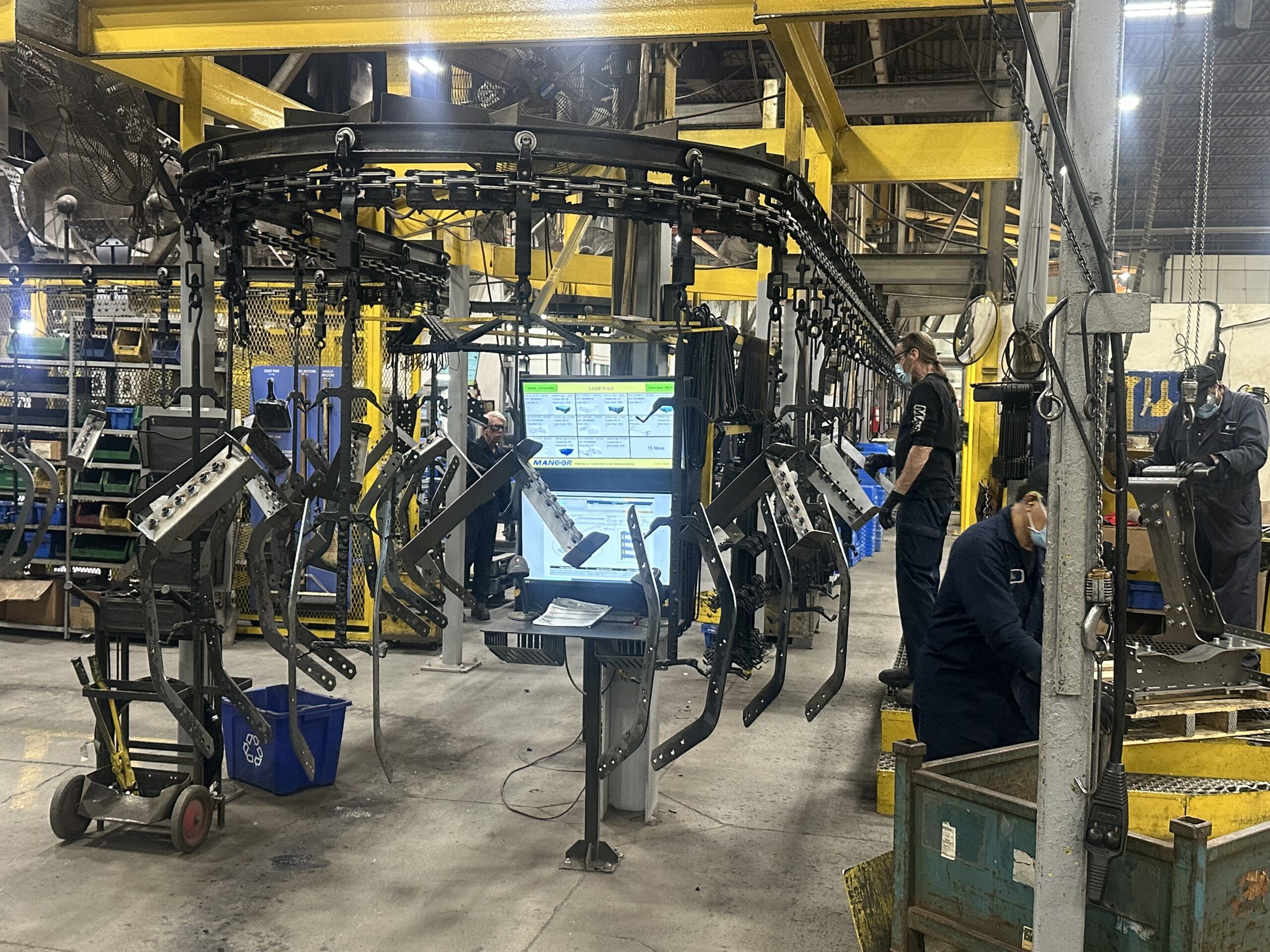
OnRamp was built inside a real metalworking plant, Mancor Industries, and has stayed focused on midmarket manufacturers in machining, fabrication, and finishing. It’s fully integrated, not assembled from acquisitions, and includes a shop floor execution layer with line-side monitors that deliver real-time work instructions to operators. 100% of OnRamp customers achieve their stated business goals within 12 months of go-live.
Global Shop Solutions is a long-standing option for job shops and contract manufacturers, with a broad feature set for machining and fabrication environments.
MRPeasy is a lightweight option for very small shops that need basic MRP and inventory without the overhead of a full ERP implementation.
Epicor Kinetic targets the mid-to-upper market in manufacturing and has broad functionality, though implementation complexity and cost tend to push it beyond what most 20-50 person shops need.
JobBOSS2 (now part of ECI) covers estimating, job tracking, and scheduling for job shops, though its integration depth varies by module.
The right choice depends on your shop type, operational complexity, and how much of your process you need the software to own.
A few things worth doing before your first demo.
Document the three things that cause the most operational pain. Not a wish list. The three actual problems that are costing you time, margin, or customers right now. Every vendor should be able to show you, specifically, how they solve those three things.
Get your floor involved early. The operators and supervisors who will use the system every day should see the software before you’re close to a decision. Their pushback is valuable. If they won’t use it, you’ve bought something that degrades over time.
Calculate what the current state actually costs. Late shipments, scrap, rework, expediting, manual data entry, overtime to cover for planning gaps. That number, done honestly, is your baseline for ROI. A system that eliminates even half of it pays for itself faster than most leaders expect.
Decide who owns the decision. ERP decisions that require consensus from every stakeholder rarely land well. Identify the person accountable for operational outcomes and make sure they’re driving the evaluation.
The right ERP won’t fix a broken process. But the wrong one will make a broken process harder to see and harder to fix. Start with the operational problem, match the software to how you actually run, and hold the vendor accountable to outcomes.
That’s the whole framework.

For more information about how OnRamp ERP software can add value to your business fill in the contact form below. A member of our support team will contact you within 1 business day to discuss any questions you have.
Start the collaboration with us while figuring out the best solution based on your needs.


Our efforts began as an internal project of Mancor Industries when we identified the need for a more cohesive ERP system to manage the complexity of multiple plants, multiple products, multiple customers and multiple functions.
Read MoreHas your business outgrown a patchwork of disconnected systems? This checklist helps you assess readiness, identify gaps, and prepare for a smooth transition.


